Everything you own to read or watch.
And where you stopped.
A self-hosted library, reader and player for the manga, comics, films, series and anime on your own disk. One place to continue, the page and the second remembered, and an API for your tools.
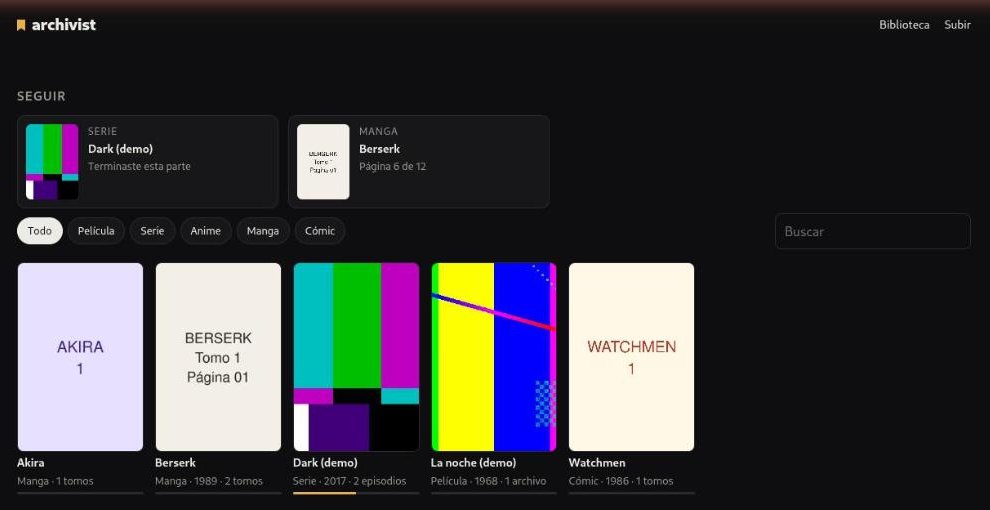
The library: what you left halfway first, then everything, read or watched.
What it does
A reader
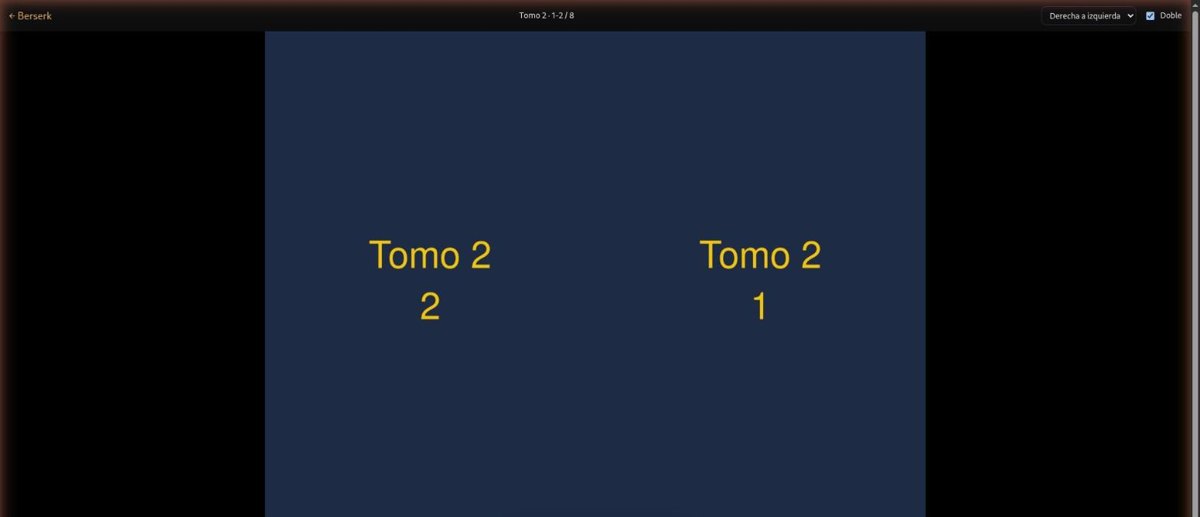
CBZ, ZIP, PDF or folders of images. Right to left for manga, left to right for comics, vertical for webtoons, two pages at a time. Keys, taps and swipes.
A player
What the browser plays goes straight out, with seeking. Everything else is converted once with ffmpeg (on the GPU when there is one). Subtitles and the next episode.
It remembers
The volume and the page, the episode and the second. A "continue" shelf for everything, and a log of what you finished.
On your phone
An OPDS catalog for Panels, Chunky, KOReader or Mihon. Pages stream one by one, and reading there moves the same "continue".
An API
Works, units, pages, single frames, progress and events, with a token. Your home network and Tailscale can skip it.
What it will never do
- Fetch the works. No downloader, no scraper, no source lists. It reads the files you already have.
- Phone home. No account, no cloud, no telemetry. Only metadata lookups, if you turn them on.
- Own your files. The folders are the truth: copy them with rsync, back them up without archivist running. The database only holds where you are.
- Cut clips for anyone. Tools get pages and single frames. Playback is for your own screen.
Install
Docker
docker build -t archivist https://github.com/legiosai/archivist.git
docker run -d --name archivist -p 8780:8780 \
  -v /path/to/library:/library -v archivist-data:/data \
  -e ARCHIVIST_TOKEN="$(openssl rand -hex 24)" \
  -e ARCHIVIST_TRUSTED=lan,tailscale archivist
From source
git clone https://github.com/legiosai/archivist
cd archivist && npm ci && npm run build
ARCHIVIST_LIBRARY=/path/to/library \
ARCHIVIST_TOKEN=… npm start
Node 22 or newer, ffmpeg and poppler. A systemd unit is in deploy/.
The library on disk
library/
  video/<work>.mp4 + <work>.yaml          a film
  video/<work>/S01E01.mkv … + work.yaml    a series or an anime
  pages/<work>/vol-01.cbz … + work.yaml    a manga or a comic